Your Business Is On Google But Not On Maps. Here Is Why
A verified profile in your dashboard and nothing in Maps search are not a contradiction. One field decides it, and most people never fill it in.
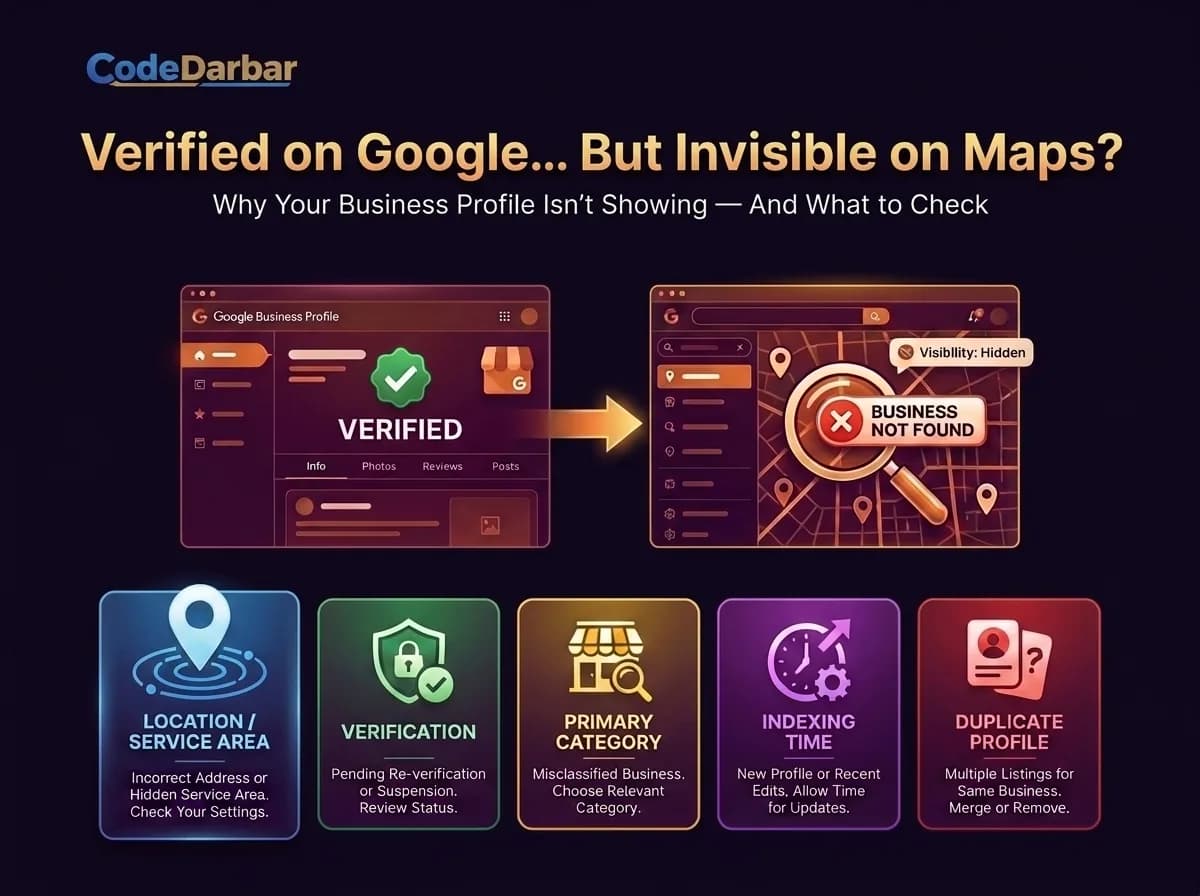
Here is a situation we ran into on our own profile, which is the only reason this article has the answer in it rather than a list of guesses.
The Business Profile dashboard said everything was fine. Verified. Phone number, opening hours, category, a photo. Sixteen views. Google even showed the panel when we searched the business name while logged in.
Search Maps for the same business and there was nothing. Not buried on page three — absent. And the public Places data, which is what every directory and app reads, returned no result for any spelling of the name.
The difference nobody explains
Your Business Profile dashboard and Google Maps are not the same index.
The dashboard shows you your own record. Maps shows places — things that exist somewhere. A business with no address and no service area is a brand entity to Google, not a place, so it cannot appear in a map of places. It is not hidden. It was never eligible.
The tell is the map thumbnail on your own profile panel. If it is zoomed out to a whole continent instead of a pinned street, Google does not know where you are.
The field that fixes it
Edit profile → Location. One of two things has to be set:
- A physical address, if customers come to you. This ranks best.
- A service area — the cities you serve — if they do not.
If you work from home or from an office you would rather not publish, Google lets you give the address for verification and hide it publicly, showing only the service area. You do not have to choose between being findable and being private.
Four other reasons a profile stays invisible
Verification is not finished. A pending postcard, call or video step leaves the profile in limbo. The dashboard often looks normal while this is outstanding.
No primary category. The category decides which searches you are eligible for at all. Without it there is no search you can win.
It is brand new. Indexing takes days to weeks. If you created it yesterday, wait before assuming something is broken.
A duplicate profile exists. Two records for one business split the signals and Google may show neither. Search your business name and address in Maps and check nothing else claims to be you.
Why this is worth an hour
For a business serving a city, the local pack — the three results with a map above the ordinary listings — is the most valuable position in search, and the least competitive. Organic rankings for "marketing agency Dubai" take months and links. The local pack takes a complete profile and reviews.
Invisible in Maps means invisible to "near me", to "open now", and to anyone using the Maps app rather than a browser. For a plumber, a clinic or a restaurant that is most of the demand.
How to check
Search Maps for your exact business name and city, in a private window so your own account does not colour the result. Not on your own phone while signed in as the owner, where Google shows you your profile whether or not anyone else can see it.
Or paste the name into our free Google Business Profile checker, which reads the same public data every other app reads. If it finds nothing, that is what a customer finds too — and now you know which field to go and fill in.


